
500+
Reports issued
98%
Client satisfaction
ISO 18434
Full compliance
< 5 min
To generate a report
From upload to your client
Four clear steps from thermal file to delivered report.
Upload
Upload thermal images (FLIR, HIKMICRO) and inspection point data
Analyze
Classify severity, temperatures, and link to equipment and standards
Report
Generate the professional PDF with branding, images, and findings table
Client
Share via QR, link, or export — frictionless traceability
See the analysis on real thermograms
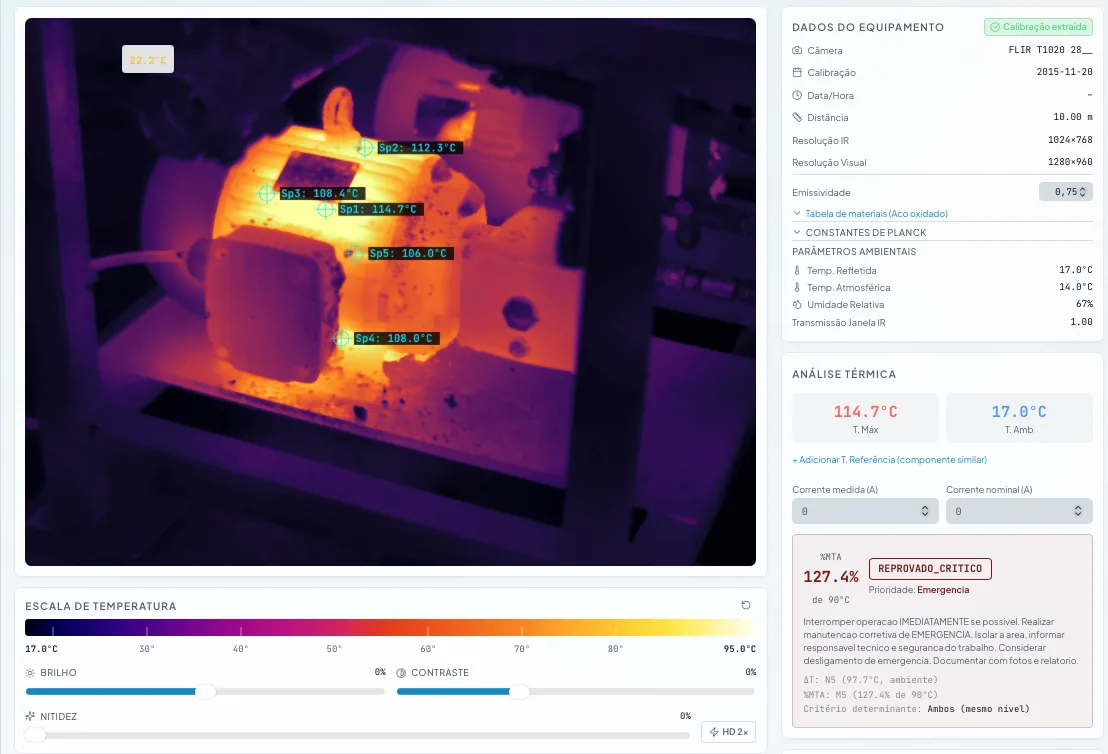
Select a thermogram, choose a palette, and click to measure temperatures at any point.
Classification, diagnosis and recommended action are illustrative. Real analysis is generated by Thermal Reports with your thermograms.
Severe overload detected on motor housing. Risk of catastrophic failure.
Shut down immediately and initiate corrective maintenance.
See the app in action
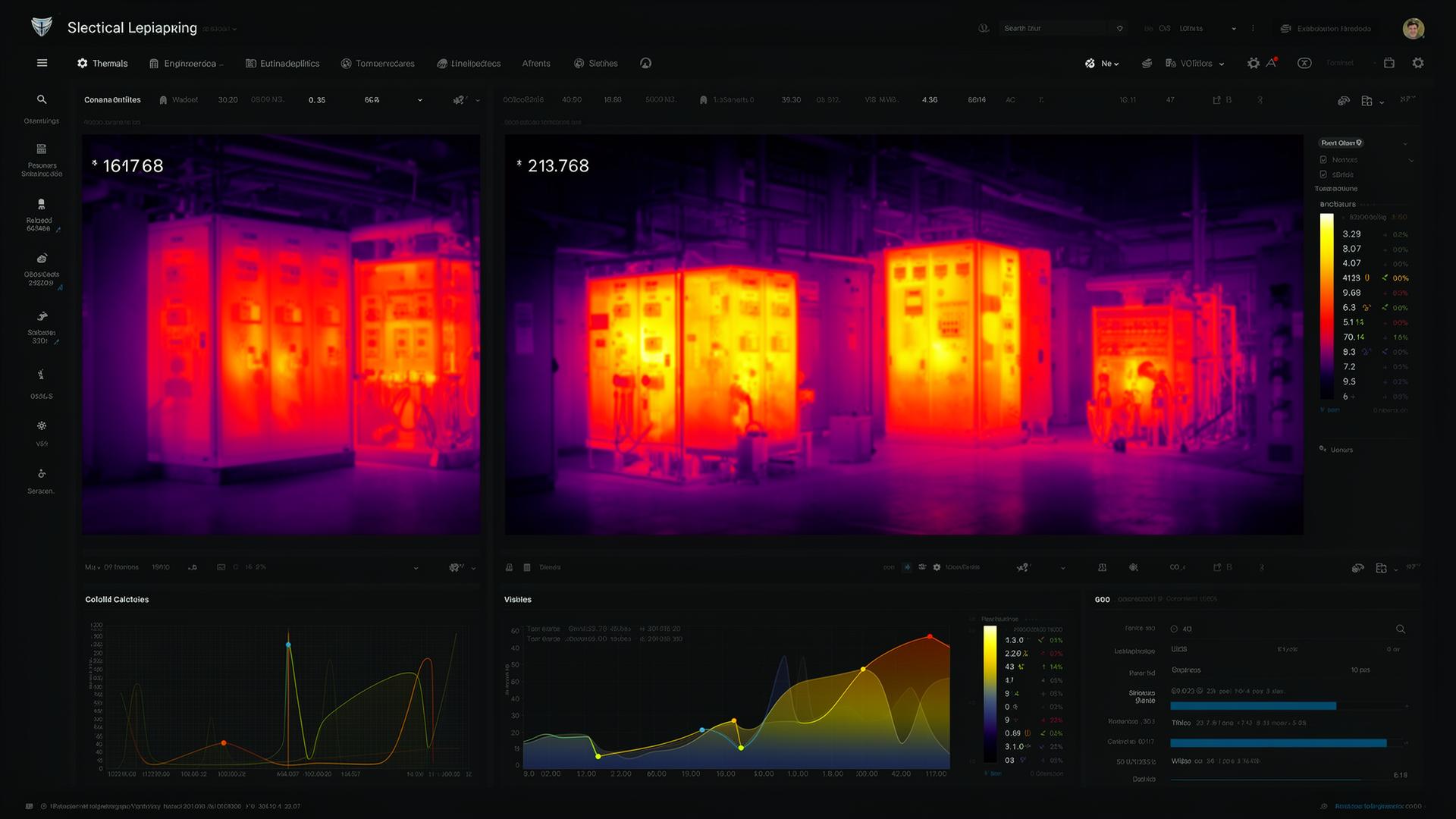
Real screenshots from Thermal Reports — thermogram analysis, reports and inspection route management.
Plans for every team size
Choose the plan that fits your business.
FOR INDIVIDUALS
Starter
For independent thermographers issuing their own reports.
$372/year, billed annually
$1.03/day · $1.30/day
- FLIR + Fluke + Hikmicro radiometric parser
- 1 inspector with full access
- Unlimited sites / facilities
- Unlimited PDF reports (ANSI/NETA MTS-2019)
- 1 GB encrypted cloud storage
⭐ MOST POPULAR · BEST FOR GROWING TEAMS
Professional
For predictive maintenance teams scaling thermal inspection.
$199
$1428/year, billed annually
$3.97/day · $4.97/day, less than a coffee
- Everything in Starter, plus:
- 3 concurrent inspectors with role-based access
- Unlimited sites / facilities
- 20 GB encrypted cloud storage with geo-redundancy
- Inspection routes with sequencing and status
- QR Code per inspected equipment
FOR MULTI-SITE OPERATIONS
Team
For plants running multi-site inspection programs with thermal baseline history.
$3348/year, billed annually
$9.30/day · up to 5 users with audited access
- Everything in Professional, plus:
- 5 concurrent inspectors with audited action log
- Unlimited sites / facilities
- 40 GB encrypted storage with geo-redundancy
- Thermal baseline comparison across inspections
- AI Insights (trend analysis and anomaly detection)
CUSTOM · HIGH-COMPLIANCE PLANTS
Enterprise
For large industrial plants under audited ANSI/NETA MTS-2019 compliance.
from$899
mo
- Everything in Team, plus:
- Unlimited users, sites, and storage
- Dedicated consulting by an N3 Thermography Professional
- Assisted implementation with historical data migration
- Yearly ANSI/NETA MTS-2019 compliance audit
- Client-branded report templates (white-label)
Frequently asked questions
Everything you need to know before getting started.
Do I need technical knowledge to use the platform?
No. The platform was designed to be intuitive. You fill in the inspection data, upload thermal images and the system automatically generates the report in a professional standard.
Do the reports follow recognized technical standards?
Yes. Reports are generated following the internationally recognized ANSI/NETA MTS-2019 and ISO 18434 standards, with severity fields, temperatures and equipment identification as required by each norm.
Can I use my own logo and brand identity?
Yes. On Professional and Team plans you can customize the header with your logo, name and company details. Reports come out with your brand.
How does the history QR code work?
Each registered equipment receives a permanent QR code. When scanned, anyone can see the full inspection history of that asset — no login required.
How do I sign up?
Contact us via the form or WhatsApp. Our team will present the platform, answer questions and guide you to the best plan for your business.